Elements
What is Elements?
Elements is Curtin’s publication management system, managed by Curtin library. It is used to collect, understand and showcase scholarly activities, harvests details of publications for Curtin-affiliated researchers from external databases, and facilitates manual entry of publications. Access to Elements is restricted to Curtin staff.
Integration between Elements and CURATE allows researchers to deposit their research outputs into CURATE directly via the Elements system. However, Elements and CURATE are separate platforms with discrete roles.
This module covers how to use Elements to harvest information from existing online databases, such as Scopus and Web of Science, as well as how to manually add publication records and deposit them to CURATE.
Information stored in Elements is used in:
- Staff profiles
- the academic dashboard
- the University’s Excellence of Research in Australia (ERA) submission
- Faculty of Business and Law accreditation
- staff promotion (via the MyResearch dashboard)
- work planning
- other ad-hoc reporting.
Access
Elements is accessible both via the staff portal and directly in your browser using the URL: https://elements.curtin.edu.au/
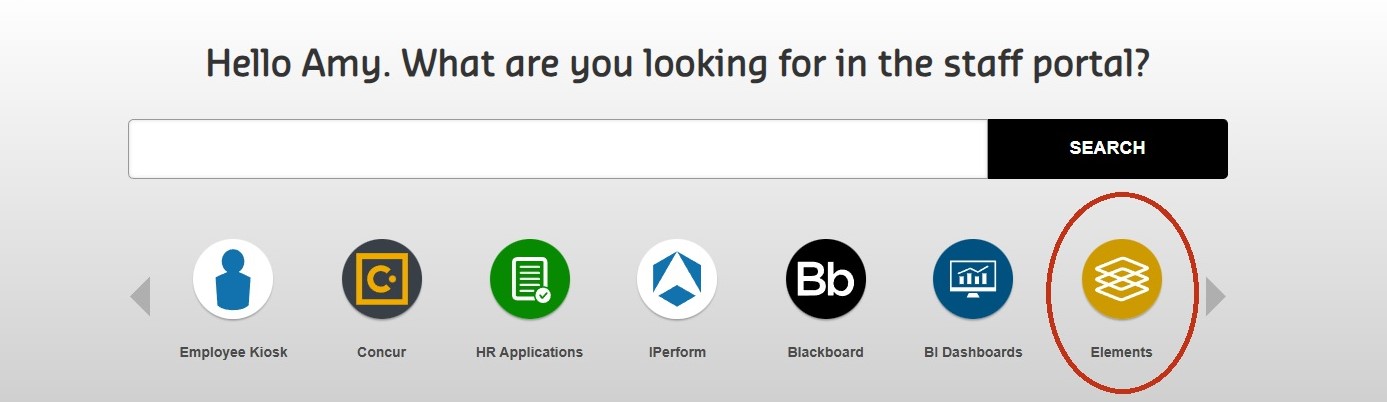
To access Elements through the Staff Portal, log in and scroll through the carousel. Select Elements and log in with your Curtin credentials.
If you are a HDR student, ensure you access Elements using the URL, and not via the staff portal. You’ll need to log in with your student details.
Homepage
After logging in you will see your home page. From here, you can view and manage your profile, add and import publications, as well as be prompted to add your ORCID and Scopus IDs. Click on the green information icons to learn more about each part of your homepage.